
Here are some guides on how to get files from fullmatchsports.com
- fullmatchsports.com
- fullmatchsports.cc
It will help us to maintain/support our website and server.
1. From 1fichier.com :
- Please register with 1fichier.com so you can get best speed.
- Consider to buy 1fichier.com premium or access account in here >> PREMIUM or ACCESS <<
- After become Premium, you can download fast speed with Direct Link and can resume too.
2. Using Mega Downloader from Mega.nz :
- You can cownload using Mega Downloader, using Mega Chrome/Firefox Apps or Mega Desktop Apps.
- That’s it, now you can download mega links with fast speed and can resume too.
Step 1 : Click on the download link of the files that you want, (Direct Link, 1fichier, Mega, Uptobox, etc).

Step 2 : Wait for the link to be fully loaded/generated and click Visit/Get Link button.
If it still stuck to Generate Link, just click “Get Link Here” Button.
After that you will see “Get Link” Green Button and click it again.
Don’t forget to click at least 1 Ads on this Page to support our works…
Thanks a lot before :)
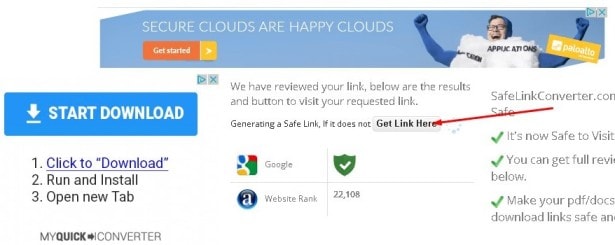
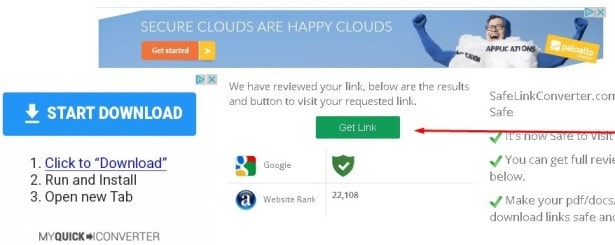
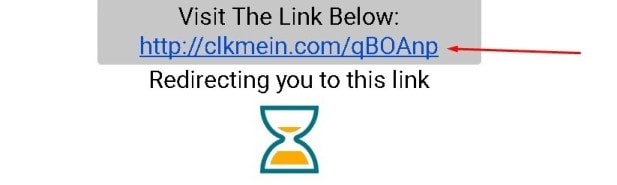
Step 3 : After clicking the “Visit/Get Link” green button, another window / tab will be open. Click the link that is generated by the page (such below picture).
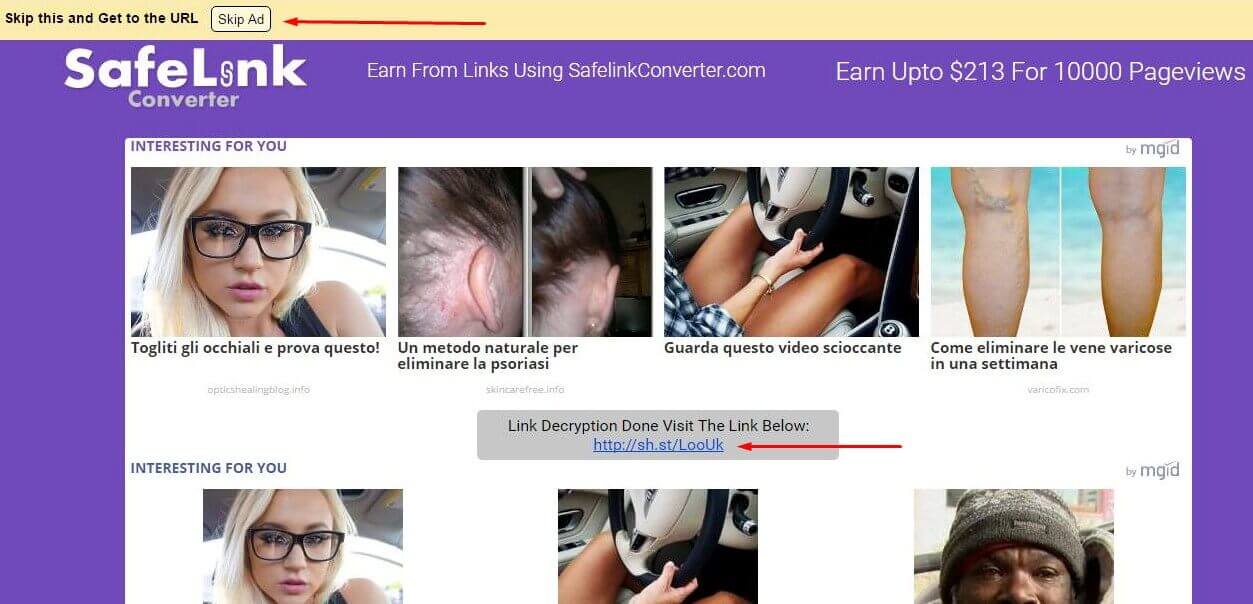
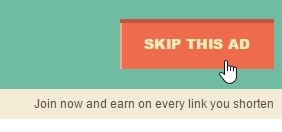
Step 4 : Wait about 5 seconds and click on the “Skip This Ad” button.
IF you can’t click “Skip This Ad” button please disable your ADS BLOCK from your browser plugin,
or please try in another browser (usually problem happened with Firefox but works fine with Chrome).
Step 5 : That’s it, now you can get our files and get faster speed, also you can see how to get files from .gif below.